Ten minutes to your first imported product, and a map of every engine in the suite.
Setup, step by step
Do these in order and nothing can go wrong.
Install the plugin
WordPress admin → Plugins → Add New → Upload Plugin → choose the REXOH zip from your purchase email → Install → Activate. Then open REXOH AI → Settings → License, paste your key and click Activate.
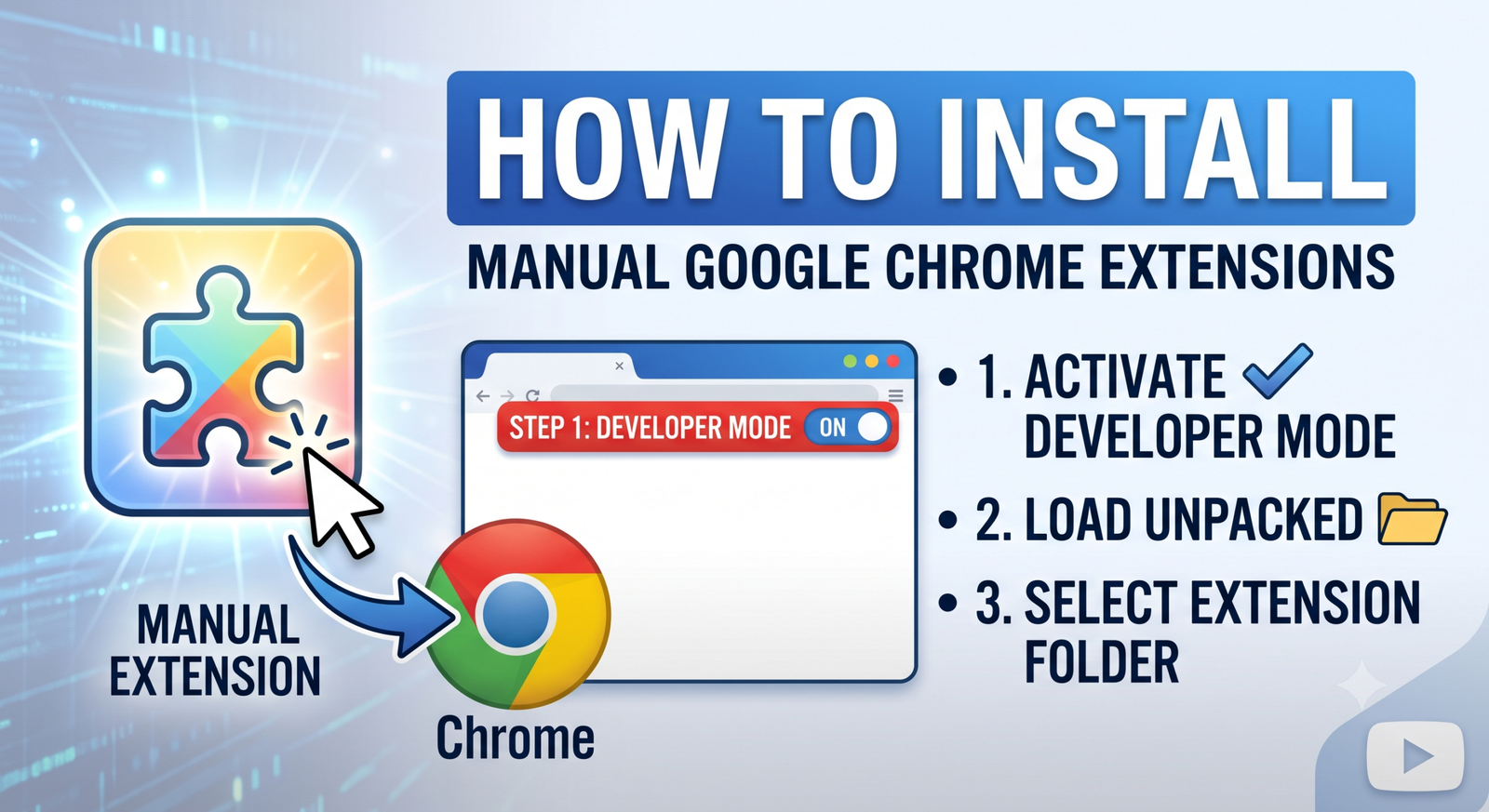
Download the extension zip from your purchase email and unzip it. In Chrome open chrome://extensions, switch on Developer mode, click Load unpacked and select the unzipped folder.
Settings → AI Provider → Google Gemini or Groq. Both have free quotas that reset daily. Paste the key, Save, then hit Test AI — a green line means you are writing unique product pages for $0.
Settings → AliExpress official API → Connect. One OAuth click; the token then renews itself forever. This unlocks API imports, Product Finder, Monitor and Fulfillment.
Open any Amazon or AliExpress product page and click the REXOH extension — or paste the link into REXOH AI. Pick a category and go. Images, variants, specs, reviews and SEO are built for you.
Set Settings → Product status after import → Draft, import in bulk, then curate: fix titles, set prices, choose categories, untick weak photos, hit Publish. Ten seconds per product.
Bulk-import into drafts, then work the Import List once a day. Ten seconds per product — a better title, a real price, the ugly supplier photo unticked — is the difference between a page that ranks and a page that does not.
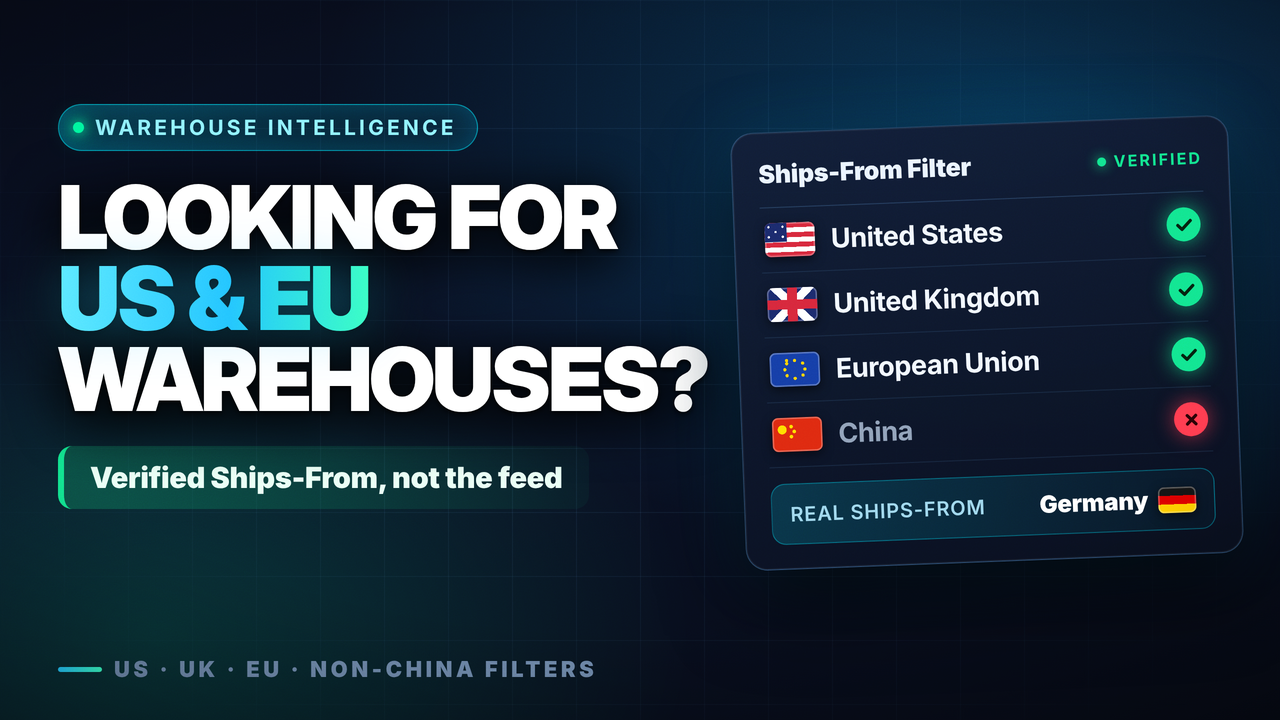
In Product Finder, set the Warehouse filter to US, UK, EU or “Any local warehouse”. Three-to-seven day delivery converts far better than three weeks, and it cuts refund requests dramatically.
Run your first five imports and actually read the descriptions. Every product’s edit screen tells you whether the copy came from the AI or the template engine, so you always know what your customers are reading.
Nothing costs more than selling something the supplier no longer has. Daily checks with an email digest cost you nothing and catch the problem before your customer does.
Leave neutral SKUs on. Do not paste the manufacturer’s barcode into the GTIN field. Let the plugin strip “Ships From” options. Your sourcing is your competitive advantage — protect it.
Something not covered here?
Email us with your licence key and the product URL — that is usually everything we need to answer in one reply.